Monday, March 6, 2017

Introducing Folders to organize your AccessMedicine favorites


Preheader Text goes here, should be about 72 characters.


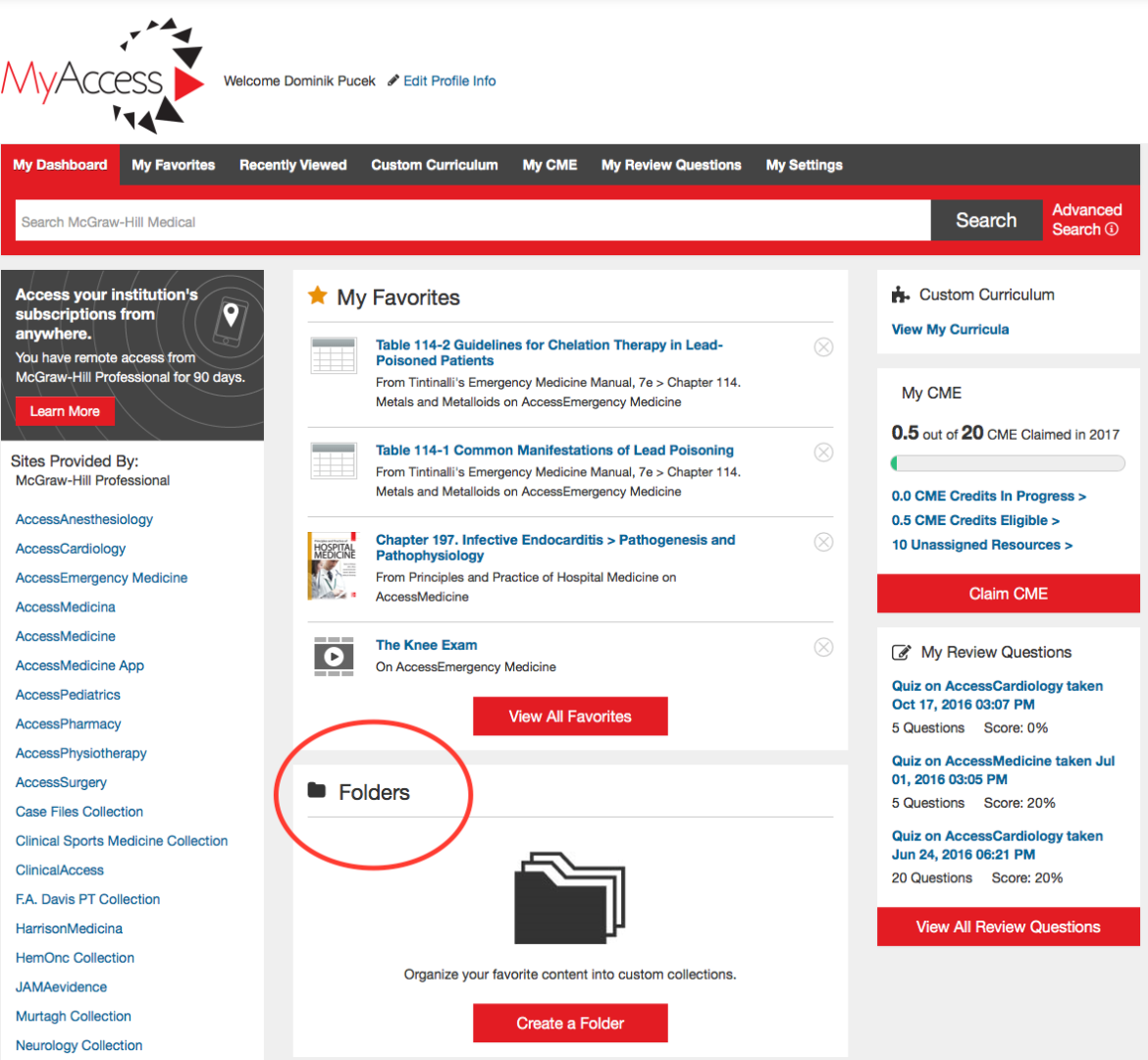
After adding the feature for users to favorite content they may want to save for later within their MyAccess profile, the next logical step was to include an option to organize favorites.  Introducing Folders for Favorites within MyAccess!

Get started with these simple steps:
  • Sign in to your MyAccess account
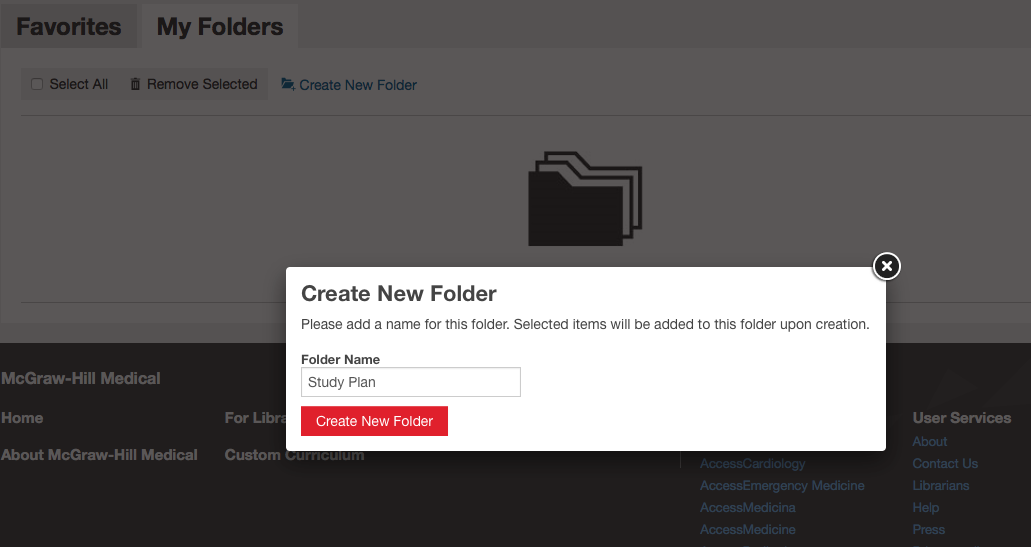
  • Create a new folder
ACM MyAccess new folder.png
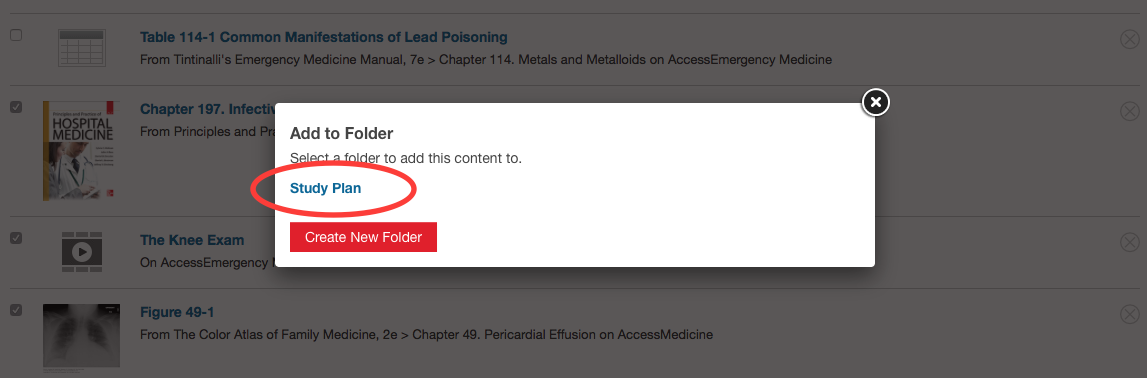
  • Add your favorite content to your folder
ACM MyAccess add to folder.png
That's it!  Now you go directly to the content you need faster and easier.


ForwardForwardForward
Terms of Use    |    Privacy Notice


Copyright ©2015 McGraw-Hill Education LLC. All rights reserved.

          McGraw-Hill Education, 2 Penn Plaza, 9th Floor, New York, NY 10121

No comments:

Post a Comment